AWS Adding a Repository to Q
- Visit the Github Marketplace in Applications and install Amazon Q Developer.
- This plugin in Github is where you decide which repos Q has access to.
Amazon Q Developer – GitHub Marketplace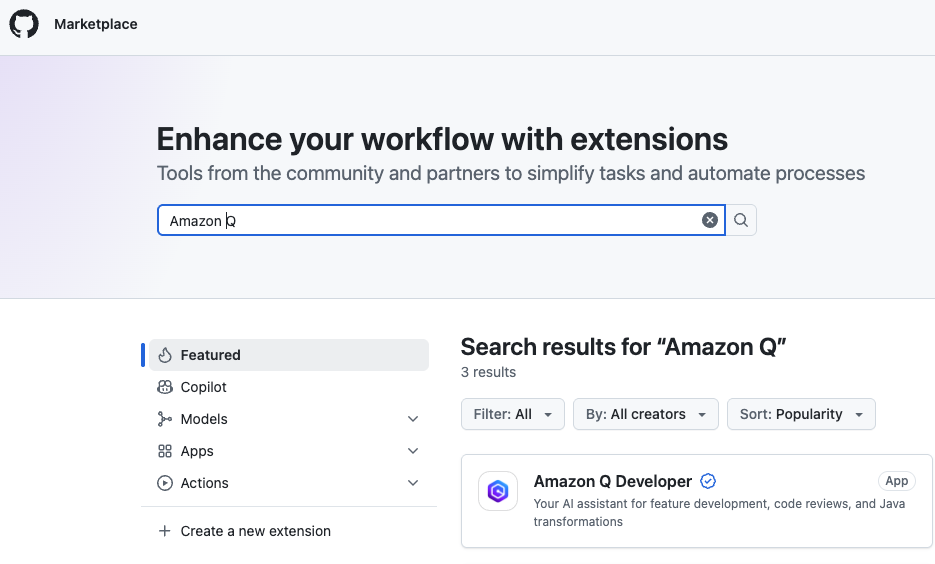
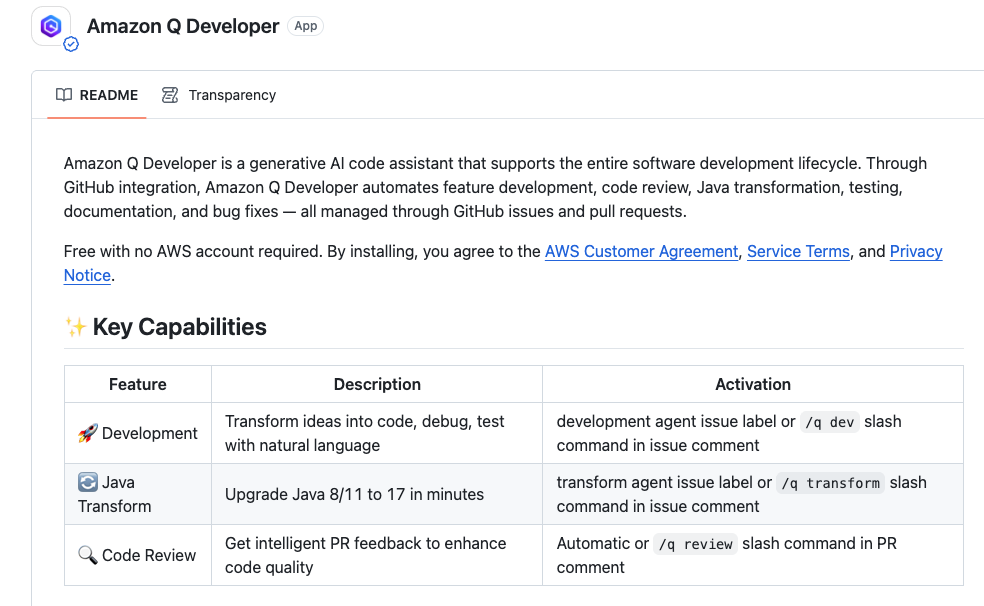
- This plugin in Github is where you decide which repos Q has access to.
- Log in and go to Amazon Q Developer (is in the BlueSage-Shared account), then click into the GitHub portion to Register Installations in the Q admin screen.
- Authorize Q, then Register. You’ll get a confirmation.